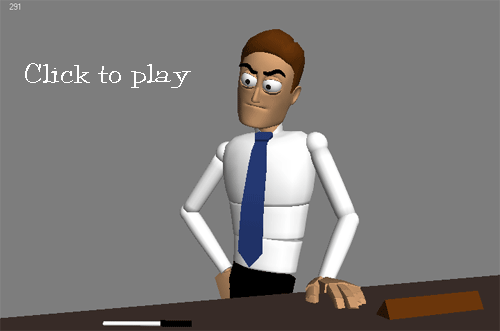
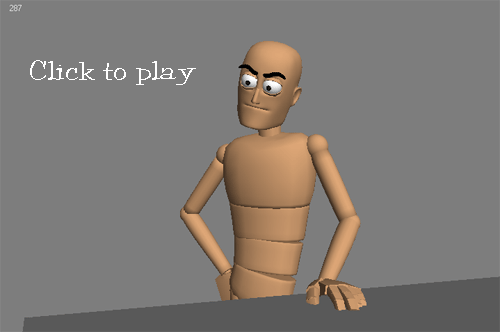
Now that I have more time to do personal stuff, I wanted to start by doing a one character dialogue test. What I wanted to get out of this is learning a new workflow, try out some new techniques, and of course, keep on improving. 😉 I tend to burden myself with other parts of the creation process (modeling, rigging, etc.) and while it’s good to have knowledge of rigging, I should really focus on animating.
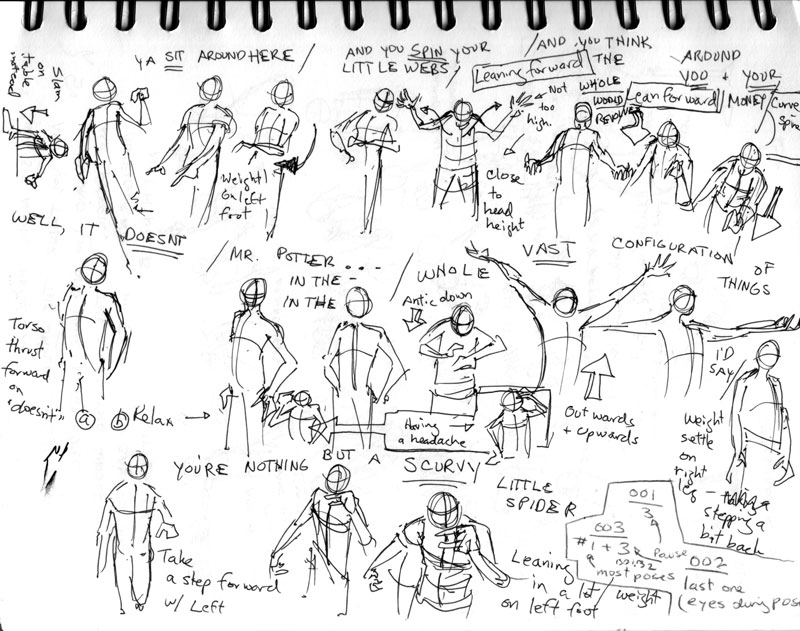
I started out by looking for some interesting dialogue from The Daily .Wav. I found a clip from “It’s a Wonderful Life”, which I admit I’ve never seen in its entirety (my boyfriend totally chewed me out about this.) I really love the volatile tone of voice in the clip and thought it’d be fun to try something with such intensity. Afterwards, I shot some reference and did some planning:
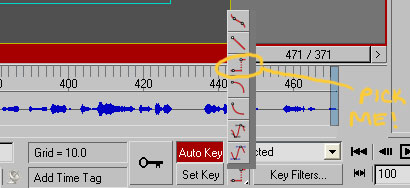
I tried to mimic the blocked/stepped approach to animating in 3D where you set a key on every controller on every keyframe you make. To facilitate this in 3dsMax, I changed the option of “Default In/Out Tangents for New Keys” to stepped. You can find it right below the timeline on the main UI. I also used the “Key Mode Toggle” (which is that pair of arrows next to the right of “Key Filters”) when I needed to jump from pose to pose with my arrow keys.
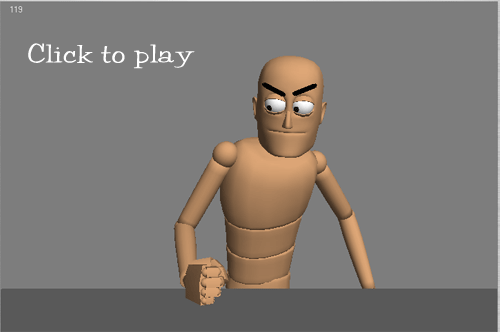
Working in this fashion so far, I have to say it’s a lot nicer than the PC distracting you with its ‘tweening. It also made me more conscious of posing, which is one of the major things I want to work on within animation. To keep myself in check, I followed Victor Navone’s advice and made sure there was a key at least every 4 frames. Another source of inspiration was looking at Brandon Beckstead’s tightly blocked work.
I’m still a beginner at this, so if you have any crits on the poses or timing, lemme know! I’m focusing more on the body right now; though if you have any suggestions for the eyes, that’d be great to hear too. I’m really enjoying this workflow, and hopefully with more practice it’ll come more naturally. 🙂
)
)
)
)
)
)
)
)